






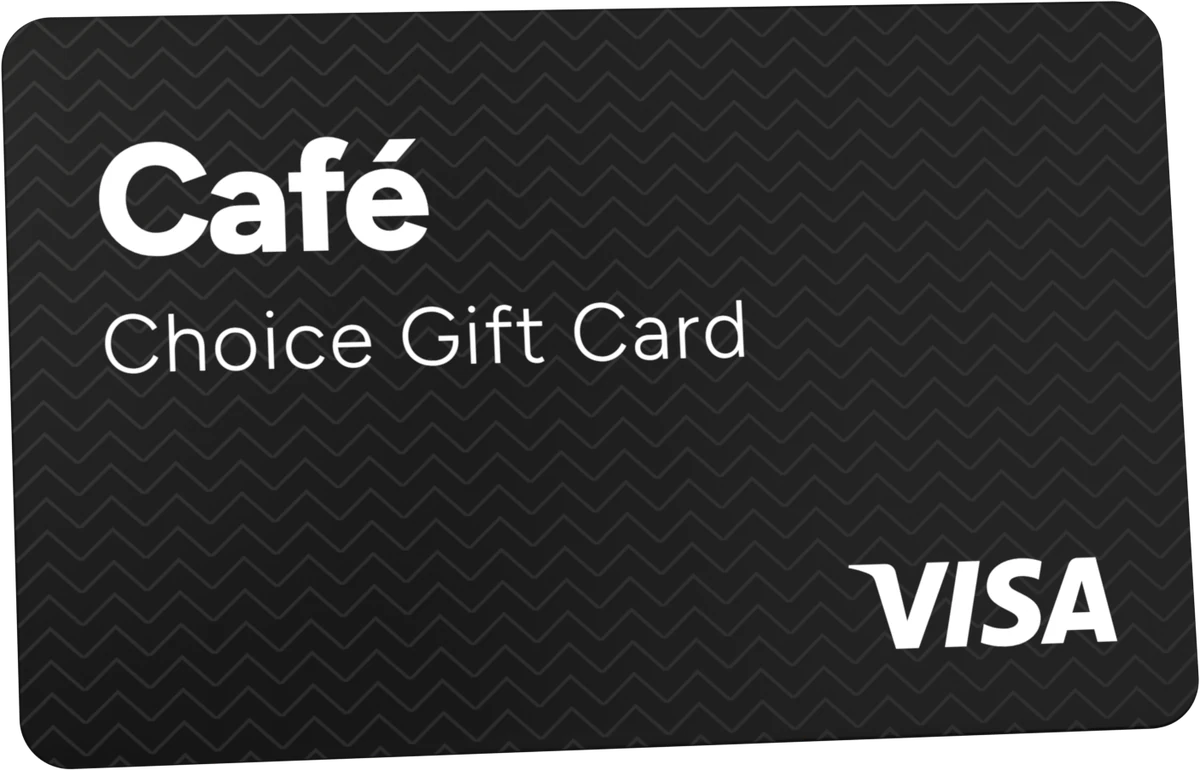
The Café Choice Gift Card
Café Choice Gift Card: say yes to lattes, croissants, iced lattes, açaí bowls, cake and brunch
One gift card for over 25,000 cafés and restaurants across Australia. Swipe it at the counter, tap it with your phone or use it online.
What it is
A prepaid Visa gift card crafted for café lovers.  Perfect for a daily coffee, a delicious pastry
 or a leisurely brunch, giving them the freedom to choose their favourite café.

Where to use
Wherever the coffee is good.
Your card works at cafés and restaurants in Australia, where Visa prepaid is accepted.
See everywhere it works- 01
Cafés
Flat whites and the good pastries

- 02
Restaurants
Long brunches, lunches and birthday dinners

- 03
Bars & pubs
An espresso martini counts

- 04
Fast food
The drive-through counts, too

Accepted merchant categories: Eating Places and Restaurants (5812), Hotels, Caterers (5811), Drinking Places (Alcoholic Beverages), Bars, Taverns, Cocktail Lounges, Nightclubs and Discotheques (5813), Fast Food Restaurants (5814), Motels and Resorts, Central Merchant (7011), and Amusement Parks, Circuses, Carnivals and Fortune Tellers (7996). A payment is declined if the venue's merchant category is not on this list. Some merchants choose not to accept prepaid gift cards.
-
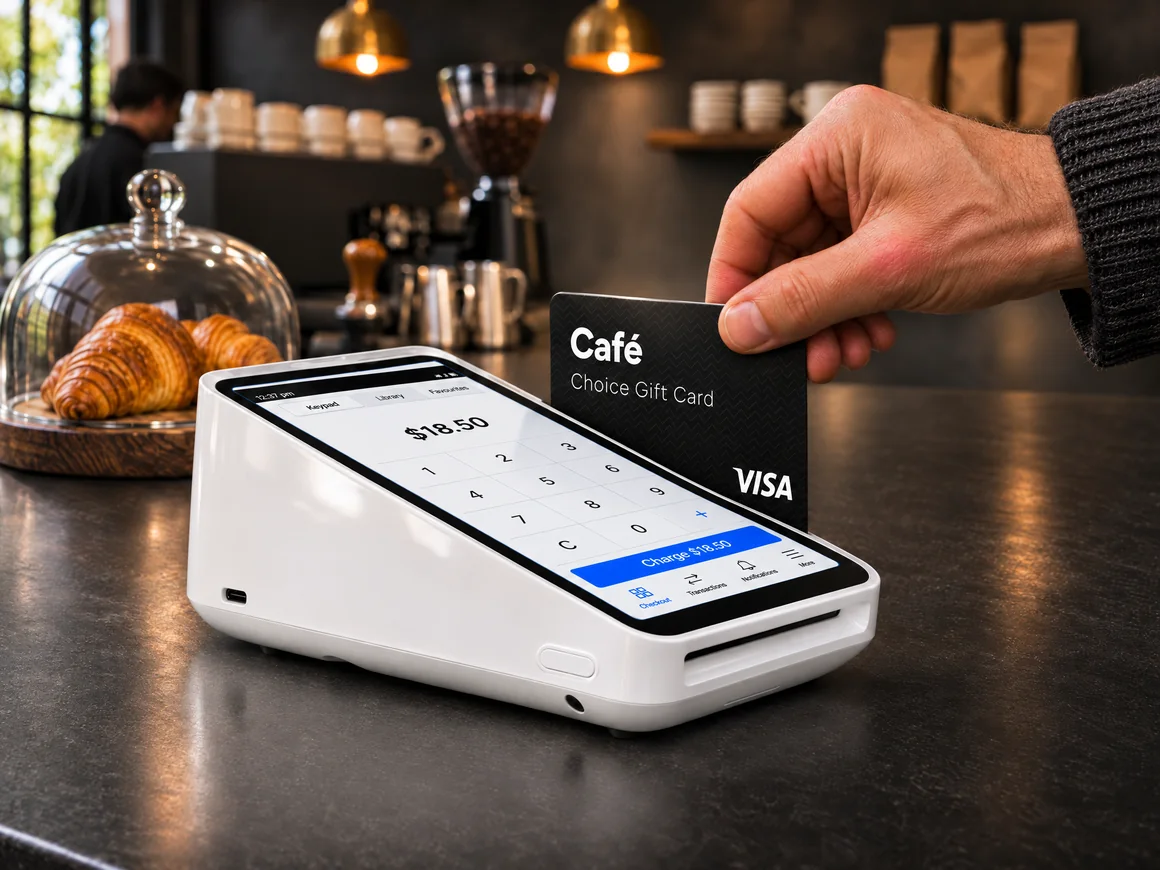
At the counter
When it is time to pay, swipe your card, select Credit and enter the 4-digit PIN from the back of the card.
Bill bigger than your balance? Ask to pay the exact amount left on the card, then cover the rest another way.
-
Online
Ordering in? At checkout, enter the card number, expiry date and CVV in the credit or debit card section, not the gift card section.
Your balance has to cover the whole order: online merchants cannot split a payment. Checkouts that require 3D Secure cannot take prepaid cards.

-
Tap and go
Add your card to Apple Pay, Google Wallet or Samsung Pay, then pay with your phone at any contactless terminal.
Set up your wallet



Mobile wallet
Your card, in your phone.
- 1
Open the Wallet app
Go to the Wallet app on your iPhone.
- 2
Tap the plus
The + icon starts a new card.
- 3
Choose Debit or Credit Card
Select it on the next screen.
- 4
Enter your card details
Card number, expiry date and CVV.
- 5
Tap to pay
Your card has now been added to Apple Pay.
- 1
Open Google Wallet
Go to the Google Wallet app on your phone.
- 2
Tap Add to Wallet
You will find it at the bottom of the screen.
- 3
Tap Payment card
It is the first option in the list.
- 4
Choose New credit or debit card
Then select Enter details manually at the bottom of the screen.
- 5
Enter your card details
Card number, expiry date and CVV, then tap Save and continue.
- 6
Accept the terms
Once you accept the Terms and Conditions, your card is in Google Wallet.
- 1
Open Samsung Wallet
Go to the Samsung Wallet app on your phone.
- 2
Tap the plus
The plus (+) icon is at the top right of the screen.
- 3
Select Payment card
Choose it from the list.
- 4
Enter your card details
Card number, expiry date and CVV.
- 5
Accept the terms
Once you accept the Terms and Conditions, your card is in Samsung Wallet.
Each card lives on one phone at a time. Keep the physical card: you need it to shop online and check your balance.



Good to know
The fine print, freshly ground.

Spend it over as many coffees as you like.
The balance carries over from one visit to the next until it reaches zero. No change is given.
No fees to pay or to check your balance.
A 3.5% currency conversion fee applies to purchases in a foreign currency.

Questions
Asked at the counter.
The ones we hear most. Our team answers the rest on 1800 767 066, Monday to Sunday, 9am to 10pm AEST.
Read all the FAQsWhere can I use my card?
At thousands of cafés, restaurants, bars and fast-food spots around Australia that accept Visa prepaid cards. The venue's merchant category has to be one of the accepted categories.
How do I pay a bill?
Tell the staff how much you would like to put on the card. Swipe it, select Credit and enter the 4-digit PIN from the back. You can pay the whole bill, or split it with another payment method the venue accepts.
Can I use it online?
Yes. Enter the card details in the credit or debit card section at checkout, and make sure your balance covers the whole order.
How long is my card valid?
Your card is valid for the period listed on the front of the card. Any value left on the card after it expires is no longer available.
My card did not work. What now?
Check the staff ran it as a standard Visa payment. If it still fails, contact us with your card number and the details of the venue and your visit.
What if I lose my card?
Register your card so our team can see what options are available if it is lost, stolen or damaged. Call 1800 767 066 as soon as you notice.
Where to buy
Pick one up with the groceries.